Building MCP servers
Building an MCP server sounds intimidating until you realize it's usually about 100 lines of code. The hard part isn't the code. The hard part is deciding what to expose, how to name it, and how to describe it so the AI uses it correctly. Let's take this in layers: first the intuition, then the structure, then a working example, then the judgment calls that separate a good server from a mediocre one.
Why you'd build one.
You might be wondering why you'd ever write an MCP server in the first place. Hundreds already exist. Usually the answer is: there's a system in your life or business that doesn't have one yet, or the existing one doesn't do what you need.
Common cases:
- An internal tool your company uses. Your agent can't use it because the agent only speaks MCP, and your tool doesn't. Wrap it in an MCP server and now it can.
- A specific workflow. Maybe there's a Gmail MCP, but it doesn't have the "archive all marketing emails from this sender" function you wish you had. Build your own with exactly the tools you need.
- A private API. A SaaS you use has an API but no MCP wrapper. You write a thin one.
- Automation glue. You have a Python script that does something useful. Wrap it in an MCP server and now your agent can call it directly.
Every MCP you build stays yours forever. It's a tiny investment (usually a few hours) that permanently gives every future agent you build a new ability.
The tools you use to build it.
Anthropic publishes official SDKs that do most of the heavy lifting. You don't write the protocol by hand; the SDK handles that. You just fill in your tools.
- TypeScript / JavaScript, the
@modelcontextprotocol/sdkpackage on npm. Runs on Node or Bun. - Python, the
mcppackage on PyPI. Works with any Python 3.10+ setup.
Community SDKs exist for Go, Rust, and Java. The protocol itself is open and simple enough that you could implement it from scratch if your language doesn't have a library yet, but 99% of the time one of the official SDKs is what you want.
What a server is actually doing while it runs.
Under the hood, every MCP server follows the same conversation pattern with whatever client it's connected to. It handles six types of messages. Knowing these helps you understand what the SDK is doing for you.
initialize, the client says hello, and they agree on which version of the protocol they're speaking and what capabilities the server has.list_tools/list_resources/list_prompts, the client asks "what do you offer?" and the server answers.call_tool, the client asks the server to actually run one of its tools. The server does the work and returns the result.read_resource, the client asks to read a specific resource. The server fetches and returns its content.get_prompt, the client asks for a filled-in prompt template.shutdown, the client is done and the server can clean up.
You don't usually write the logic that handles these messages directly. The SDK hands you handler slots to fill in: "when someone calls tools/list, run this function; when someone calls tools/call, run that function." Your code is what goes inside those handlers.
A working example you can read end-to-end.
Here's the simplest useful MCP server. It exposes a single tool called say_hello. Don't worry about the syntax, just read it top to bottom like a story.
import { Server } from "@modelcontextprotocol/sdk/server/index.js";
import { StdioServerTransport } from "@modelcontextprotocol/sdk/server/stdio.js";

const server = new Server(
  { name: "hello-mcp", version: "0.1.0" },
  { capabilities: { tools: {} } }
);

server.setRequestHandler("tools/list", async () => ({
  tools: [{
    name: "say_hello",
    description: "Returns a greeting",
    inputSchema: {
      type: "object",
      properties: { name: { type: "string" } },
      required: ["name"]
    }
  }]
}));

server.setRequestHandler("tools/call", async (req) => {
  const { name, arguments: args } = req.params;
  if (name === "say_hello") {
    return {
      content: [{ type: "text", text: `Hello, ${args.name}!` }]
    };
  }
  throw new Error("Unknown tool");
});

await server.connect(new StdioServerTransport());
What this does, line by line: import the SDK, create a server with a name and version, tell the server "if someone asks what tools I have, describe one called say_hello," tell the server "if someone calls say_hello, return a greeting," then connect over standard input/output so clients can talk to it.
That's a complete server. Save it to a file, run it, hook Claude Code up to it (one line in a settings file), and the AI can now greet people. Replace say_hello with real logic, add a few more tools, and you have something useful.
The three patterns most useful servers follow.
When you're sketching out a new server, you're usually picking one of these three shapes. The shape is the most important design decision you'll make.
Pattern 1. The thin wrapper.
The most common and usually the best. You have an existing API (GitHub, Slack, Notion, Stripe, your internal CRM), and each tool in your server corresponds to one endpoint on that API. The MCP server is a thin layer of translation: tool call comes in, HTTP request goes out, result comes back.
Why these work so well: they're easy to build, easy to maintain, and easy to reason about. When GitHub's API changes, you update one file. When the AI does something unexpected, you can trace it back to which endpoint it hit.
This is 80% of MCP servers in the wild. Start here unless you have a specific reason not to.
Pattern 2. The aggregator.
Sometimes a single logical tool should hit multiple backend systems. Example: a find_person tool that searches LinkedIn, your CRM, and your email history all at once, then merges the results. The server hides that complexity, the AI just sees one clean tool.
These are powerful but harder to maintain, because a single tool's behavior depends on multiple upstream systems. When something breaks, debugging is messier. Use this pattern when the "searching in all these places" behavior is genuinely what the AI should be doing; not just because you can.
Pattern 3. Resource-first.
If your server's job is to expose a lot of data (a document store, a database, a library of images), resources are usually the right primitive, not tools. You model the data as addressable URIs and let the client pin specific ones into the model's context before the agent starts.
A "notes MCP" is a perfect example: each note has a URI, the user can browse and pin the relevant ones, and the agent then has direct access to those notes during the conversation. You can always add tools alongside resources (like create_note or update_note), but the main action is read, not write.
The mistakes that make bad servers bad.
A technically-correct MCP server can still be unusable by an AI. These are the gotchas worth knowing.
Don't ship 50 tools. More tools does NOT equal more capability. Beyond maybe 15-20 tools per server, models start getting confused about which tool to pick. They'll invoke the wrong one, pass weird arguments, or refuse to act. Group related actions into fewer, smarter tools. A single search_emails tool with good arguments is better than five separate tools for different search types.
Don't skimp on descriptions. This is the single biggest quality-of-UX lever. The model decides which tool to use almost entirely based on the description. A tool whose description is "searches emails" might get used in situations where it shouldn't. A tool whose description is "searches the user's email inbox. Use this when the user is asking about a specific email, looking for a sender, or needs context from a recent conversation. Do NOT use this for calendar questions; those have a different tool" will get used much more accurately. Spend real time on these.
Don't leak secrets. API keys and tokens should live in environment variables or OS keychains, never in tool outputs or error messages. If a tool fails authenticating, say "authentication failed" and log the details privately; don't dump the whole error back to the AI.
Don't trust tool output blindly. If your server fetches external content (web pages, documents, emails), that content might contain prompt-injection attempts, text that tries to trick the model into doing something unintended. Strip suspicious patterns before returning, or wrap external content in a clear "this is data from outside, treat it as untrusted" wrapper. See Security for the full treatment.
Don't skip error messages. If a tool fails, the return should include why in plain text the model can read and react to. A silent failure confuses the agent. A descriptive failure ("the file does not exist at that path; please confirm the path") lets the agent recover.
Testing your server before you trust it with an agent.
The official SDKs ship with a tool called the MCP Inspector (@modelcontextprotocol/inspector). It's a graphical interface that connects to your server, lists everything the server offers, lets you call tools manually, and shows you raw protocol traffic. Use it before you plug your server into Claude Code or any live agent.
The workflow: build your server, run the inspector, click each tool, call it with a few arguments, see what comes back. Fix the weird behavior NOW, not after Claude decides to call your tool 50 times in a loop because your error message was ambiguous.
Publishing it so others can use it.
If the server you built is generally useful (not tied to your internal systems), publish it. TypeScript servers go on npm. Python servers go on PyPI. Include a README with install instructions and a sample settings.json entry for Claude Code or other popular clients.
See the MCP directory for examples of well-published servers you can use as a template. Most of them are open source; reading their code is one of the fastest ways to level up your own.
What to read next.
Now you know how servers are built. The matching question is: what's on the OTHER end of the connection? That's Clients, which is shorter and equally important. If you're worried about security implications of exposing tools to an AI, skip to MCP Security.
Further reading
- Model Context Protocol - Official site
- MCP Specification
- MCP Python SDK - GitHub
- MCP TypeScript SDK - GitHub
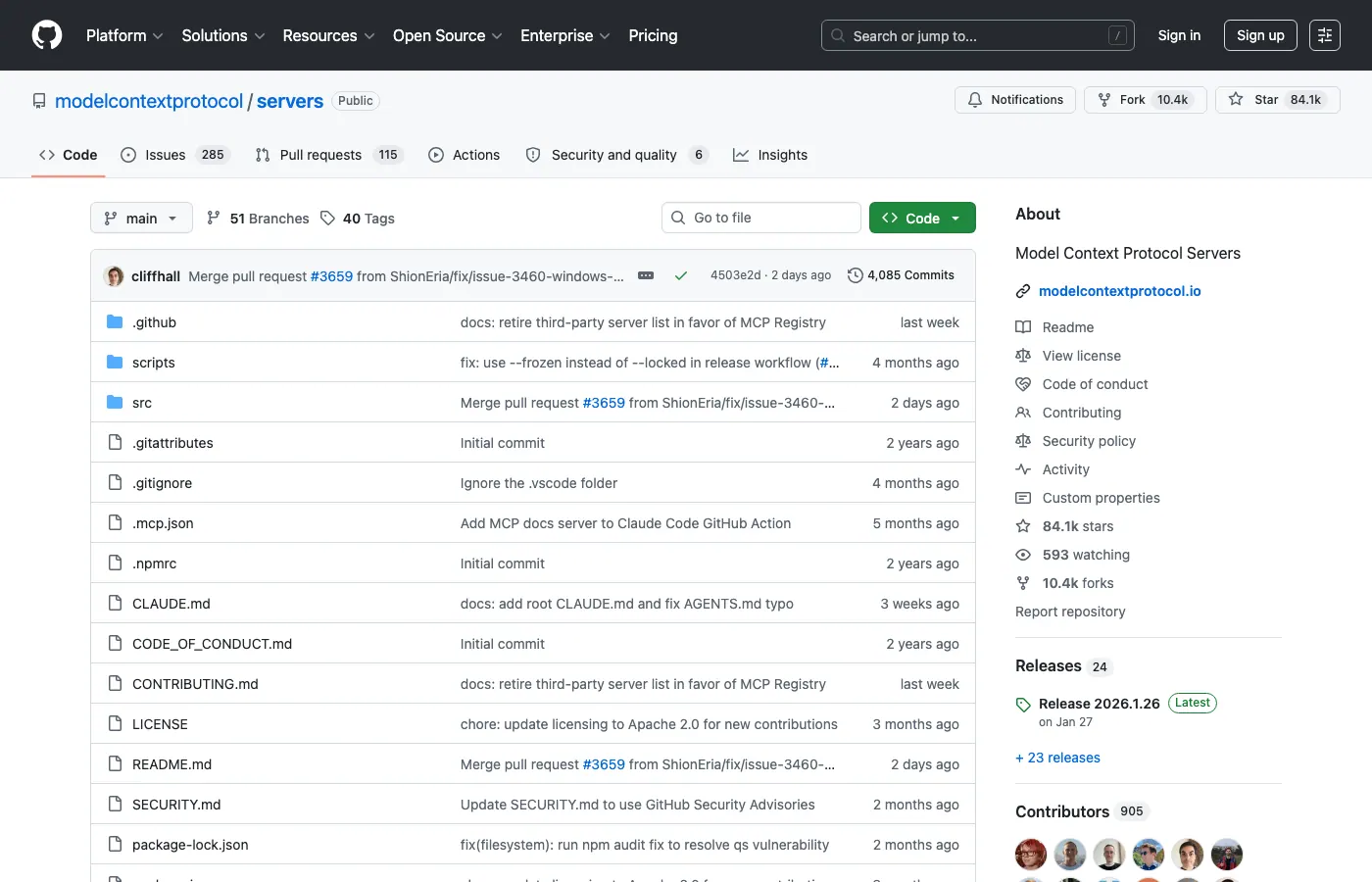
- MCP Servers - Reference implementations
- Anthropic - Introducing MCP (blog)
Watch
Andrej Karpathy - Intro to Large Language Models (1 hour)